> ## Documentation Index
> Fetch the complete documentation index at: https://botpress-charmenta-pr-700.mintlify.site/llms.txt
> Use this file to discover all available pages before exploring further.
# Configuration variables
Configuration variables let you **securely store information throughout your bot**.
Like [bot variables](/studio/concepts/variables/scopes/bot), configuration variables are accessible across all Workflows and conversations. The key difference is that configuration variables are **encrypted**. This means an Autonomous Node can't read or display information you store in a configuration variable.
This extra layer of security makes configuration variables great for storing sensitive information, like:
* API Tokens
* Private IP Addresses
* Usernames and passwords
If you need your variable to be available globally but don't need/want to store it securely, use a [bot variable](/studio/concepts/variables/scopes/bot).
Need help getting started with variables? Check out our [introduction to variables](/studio/concepts/variables/overview).
## Create a configuration variable
To create a configuration variable:
1. In the Studio, select **Bot Settings** from the bottom-left corner.
2. Scroll to the **Configuration Variables** section:
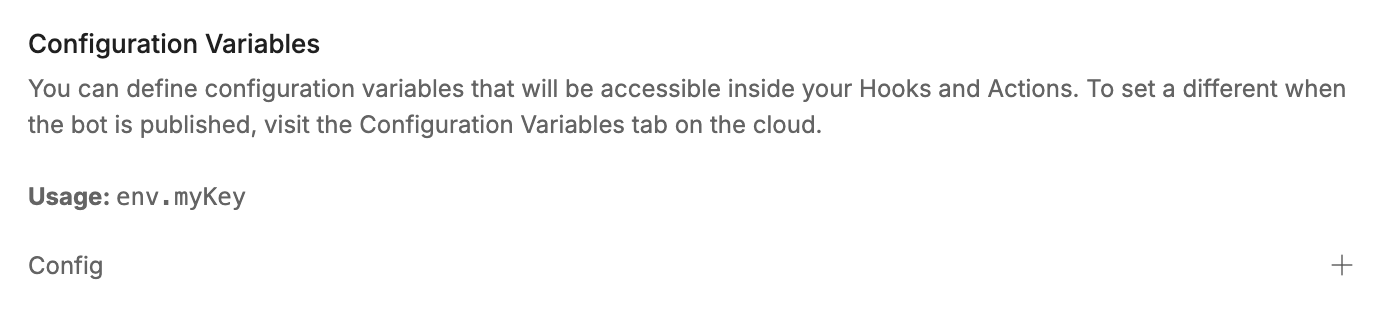 3. Select **+**, then enter a **Name** and **Value** for your variable:
 ## Read a configuration variable
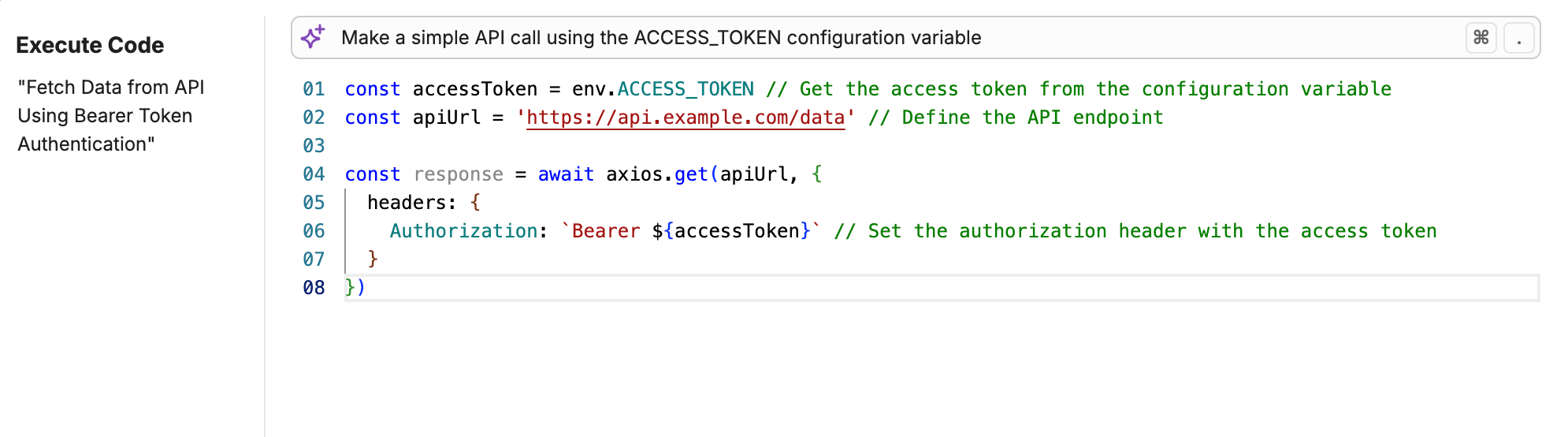
You can use `env.variablename` to read a configuration variable. For example, in an [Execute Code](/studio/concepts/cards/execute-code) Card:
## Read a configuration variable
You can use `env.variablename` to read a configuration variable. For example, in an [Execute Code](/studio/concepts/cards/execute-code) Card: